How to Organise Your Wedding Supplier Emails (Without Losing Your Mind)
Struggling to keep track of wedding supplier emails? Discover simple ways to organise conversations, track quotes and stay on top of deadlines.
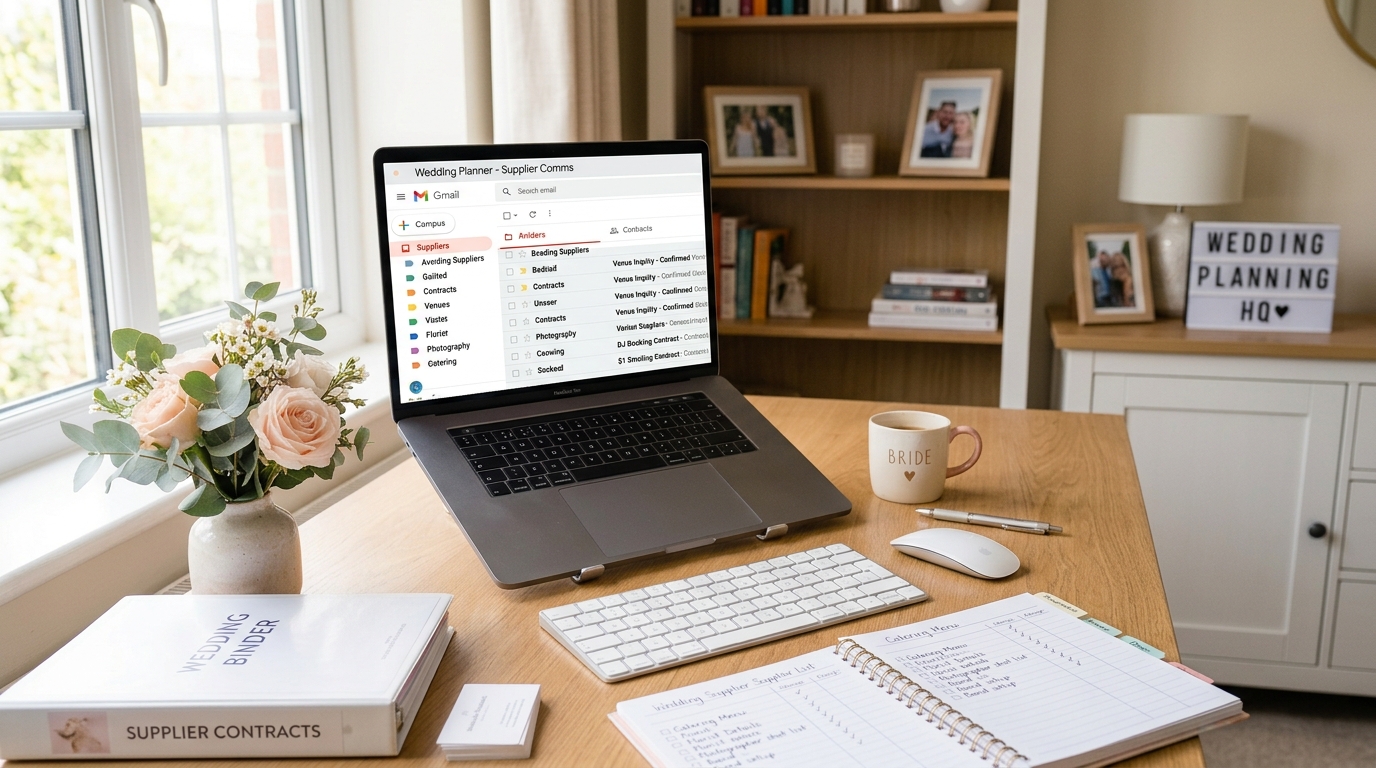
Knowing how to organise wedding supplier emails can make wedding planning much less stressful. You're comparing venue quotes, asking photographers about availability and chasing suppliers for information — often while trying to remember who said what and when.
The tricky part isn't necessarily the number of emails. It's knowing which conversations need your attention, what you're waiting for and whether there's a deadline you might have missed.
A simple system can help you organise wedding emails, keep track of supplier conversations and stay on top of deadlines without turning wedding planning into another full-time job.
1. Get your inbox organised
You don't necessarily need a separate email address for wedding planning, but you do need an easy way to find supplier conversations.
Gmail labels and Outlook folders are a good place to start. Create a few categories that make sense for your wedding, such as venues, photography, flowers and payments. You could also add a "Needs a reply" label or folder for messages that require action.
If you've emailed a supplier and are waiting to hear back, mark that conversation too. That way, you can distinguish between something you've dealt with and something that's still outstanding.
Keep the system simple. A handful of useful categories is much easier to maintain than dozens of folders you eventually forget to use.
2. Keep track of quotes and next steps
Wedding supplier emails often contain important details: prices, deposit amounts, booking conditions and payment dates. When those details are spread across different conversations, comparing options becomes harder than it needs to be.
A simple spreadsheet can bring the essentials together. For each supplier, record their name, quote, booking status, next action and any important deadline.
The next-action column is particularly useful. Instead of just noting that you've contacted a photographer, write down that you're waiting for their availability or need to compare their package options. You'll know exactly where things stand when you revisit the list.
If you'd rather not update a spreadsheet manually, Aislera helps track wedding-related emails, supplier updates, unanswered messages and upcoming deadlines. It brings important details together in a personalised dashboard, with a daily WhatsApp summary available to subscribers.
You can try Aislera for free with a free AI summary of your wedding inbox.
3. Know who owes whom a reply
One of the easiest things to lose track of is who owes whom a response. You might be waiting for a revised quote from one supplier while another is waiting for you to confirm a booking.
Try grouping conversations into three simple statuses:
- Needs a reply: You need to answer a question or make a decision.
- Waiting for supplier: You've sent a message and need to hear back.
- Resolved: There's nothing left to do.
For important enquiries, decide when you'll follow up if you haven't heard back. You don't need to chase every supplier after a day, but a reminder can stop an unanswered message from disappearing into your inbox.
If a supplier gives you a specific response deadline, note it down. That way, you can prioritise the conversations that actually need attention rather than repeatedly checking everything.
4. Never miss an important deadline
Your inbox is useful for keeping conversations, but it's not the best place to manage dates. Payment deadlines, appointments and tasting sessions can easily get buried beneath newer messages.
Add important dates to Google Calendar or Outlook Calendar as soon as they come up. Include enough information to understand what the event is and what you need to do, without having to search for the original email.
Set reminders for payments and other time-sensitive tasks. If you're planning with your partner, use a shared calendar so you're both working from the same information.
5. Make time for a weekly wedding planning check-in
Even a good system needs a quick review now and then. Set aside ten minutes each week to check what's outstanding and decide what needs to happen next.
- Which suppliers are you still waiting to hear from?
- Which messages need a reply or decision from you?
- Are any quotes, contracts or payments overdue?
- What appointments or deadlines are coming up?
If you're planning together, agree on who's handling each next step. You don't need a formal meeting or another complicated planning tool — just a shared understanding of what still needs doing.
Keep your wedding inbox under control
You don't need a perfect filing system. Start with a few useful labels, a way to track each supplier's next step and a calendar for important dates. Review outstanding conversations regularly, and follow up when you need to.
The aim isn't to spend more time organising your emails. It's to spend less time searching for information and more time making decisions with confidence — without worrying that something important has slipped through the cracks.